Welcome to Notes Time 👋

Notes Time is your trusted platform for free study notes, tutorials, and guides designed to make learning simple, clear, and effective.

Whether you’re exploring Full Stack Web Development, mastering Cyber Security, or diving into Digital Marketing — we’ve got you covered with easy-to-understand content and practical examples.

Learn smarter, grow faster, and upskill with Notes Time — your digital study companion for tech and career success.
Subscribe to our newsletter and get our newest updates right on your inbox.

Windows Operating System Course for Developers

Master Windows OS for development and system administration

20 Hours 60 Lessons 8 Quizzes 5 Assignments Certificate Included
Beginner Level English
3 students enrolled

About the Windows Operating System Course

Are you ready to master the world's most popular operating system? Notes Time offers the most comprehensive Windows Course in Patna, Bihar with flexible learning options.

Our Windows Operating System for Developers course is designed for IT professionals, developers, and system administrators who want to master Windows OS. Whether you're a developer, IT support specialist, or system administrator, this course will equip you with the skills needed to configure, manage, and troubleshoot Windows systems effectively.

Why Choose Our Windows Training?

  • Dual Learning Modes: Learn online from anywhere or attend offline classes at our Patna center
  • Industry-Ready Curriculum: 60+ lessons covering Windows fundamentals to advanced administration
  • Hands-On Labs: Real-world scenarios, PowerShell scripting, and system management
  • Certification Focused: Prepare for Microsoft Certified: Windows Server and Modern Desktop Administrator certifications
  • Placement Assistance: Job support for students completing the course
Offline Classes Available at: Notes Time Learning Center, Patna, Bihar. Limited seats available for classroom training.

Course Fee

₹1,499.00 ₹1,999.00

(25% off - Limited Period)


Duration: 20 Hours

Lessons: 60+

Quizzes: 8

Assignments: 5

Certificate Included

Lifetime Access

Level: Beginner

Language: English

Enroll Now

30-day money-back guarantee

Windows Versions You'll Master

Learn the most popular Windows editions

Windows 10/11

Client OS for developers

Windows Server

Enterprise server OS

Windows 365

Cloud PC

Windows IoT

Embedded systems

What You'll Learn

Master Windows OS administration and development

PowerShell Scripting

Automation, cmdlets, scripts, functions

User Administration

Active Directory, local users, groups

Security Management

Windows Defender, BitLocker, firewalls

Network Configuration

TCP/IP, DNS, DHCP, VPN

Storage Management

Disk management, RAID, file systems

Troubleshooting

Event viewer, performance monitor, repair

Course Curriculum

60+ lessons across 7 comprehensive modules

  • Introduction to Windows Operating System 20 min
  • Windows Editions (Home, Pro, Enterprise, Server) 25 min
  • Installing Windows (Clean Install & Upgrade) 30 min
  • Windows Architecture & Components 20 min
  • Control Panel vs Settings App 20 min
  • Windows Update & Maintenance 20 min
  • Lab: Installing and Exploring Windows 40 min

  • Command Prompt Basics 25 min
  • Introduction to PowerShell 20 min
  • PowerShell Cmdlets & Aliases 25 min
  • PowerShell Pipeline & Objects 25 min
  • Writing PowerShell Scripts 30 min
  • Functions & Modules 25 min
  • Remoting & Automation 20 min
  • Lab: PowerShell Scripting Practice 50 min

  • Windows File Systems (NTFS, FAT32, ReFS) 25 min
  • File & Folder Permissions 25 min
  • Disk Management (MBR, GPT, Partitions) 30 min
  • RAID Configuration 25 min
  • Storage Spaces & Tiering 20 min
  • Lab: Managing Disks & Storage 40 min

  • Local User Accounts 20 min
  • Managing Groups 20 min
  • User Account Control (UAC) 20 min
  • Password Policies & Security 25 min
  • User Profiles & Roaming 20 min
  • Lab: User & Group Administration 35 min

  • Windows Networking Basics 20 min
  • TCP/IP Configuration 25 min
  • DNS & DHCP Configuration 25 min
  • Windows Firewall & Security 25 min
  • BitLocker Drive Encryption 20 min
  • Windows Defender & Antivirus 20 min
  • VPN & Remote Access 25 min
  • Lab: Network & Security Configuration 45 min

  • Introduction to WSL 20 min
  • Installing WSL 1 & 2 20 min
  • Installing Linux Distributions 20 min
  • WSL vs Traditional Linux 20 min
  • Running Linux Commands on Windows 25 min
  • WSL & VS Code Integration 20 min
  • Lab: Setting Up WSL Development Environment 35 min

  • Event Viewer & Log Management 25 min
  • Performance Monitor & Resource Management 25 min
  • Task Manager & Process Management 20 min
  • System Restore & Recovery 20 min
  • BSOD Troubleshooting 25 min
  • Microsoft Certification Overview (MD-100, MD-101, AZ-800) 25 min
  • Final Project: Complete Windows Administration 45 min
  • Career Guidance & Placement Support 30 min

You May Also Like

Explore more courses to enhance your Windows skills

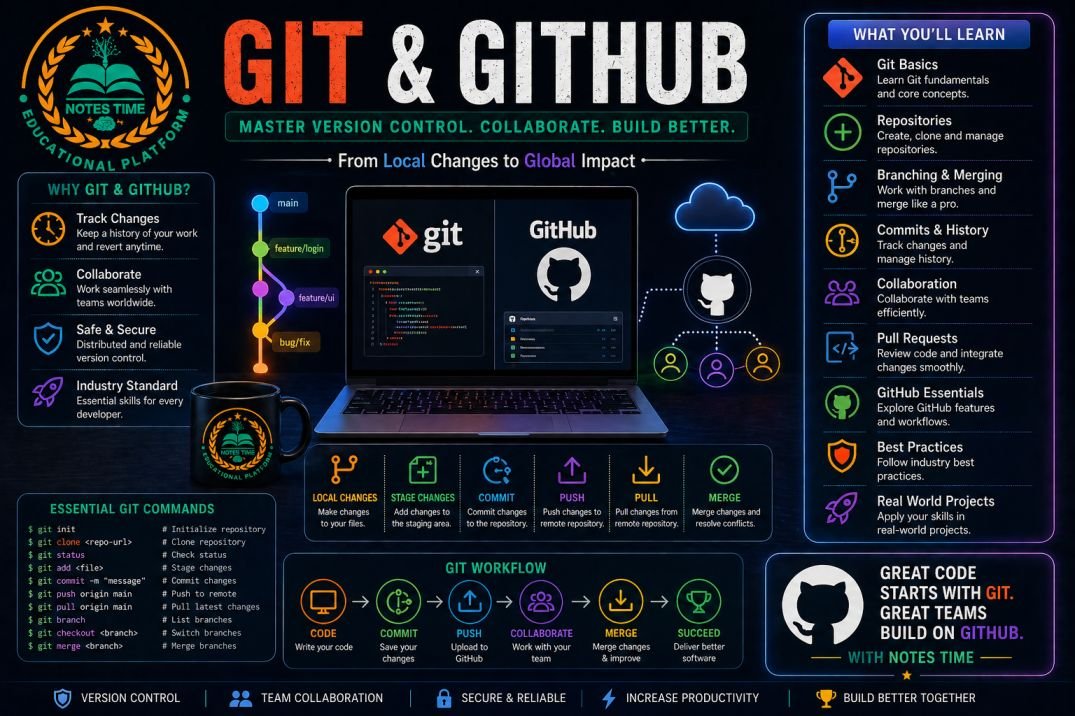
Git & GitHub Mastery Course
Beginner 20 hours
Git & GitHub Mastery Course

Master version control with Git and GitHub

₹1,499.00 ₹1,999.00
View Course
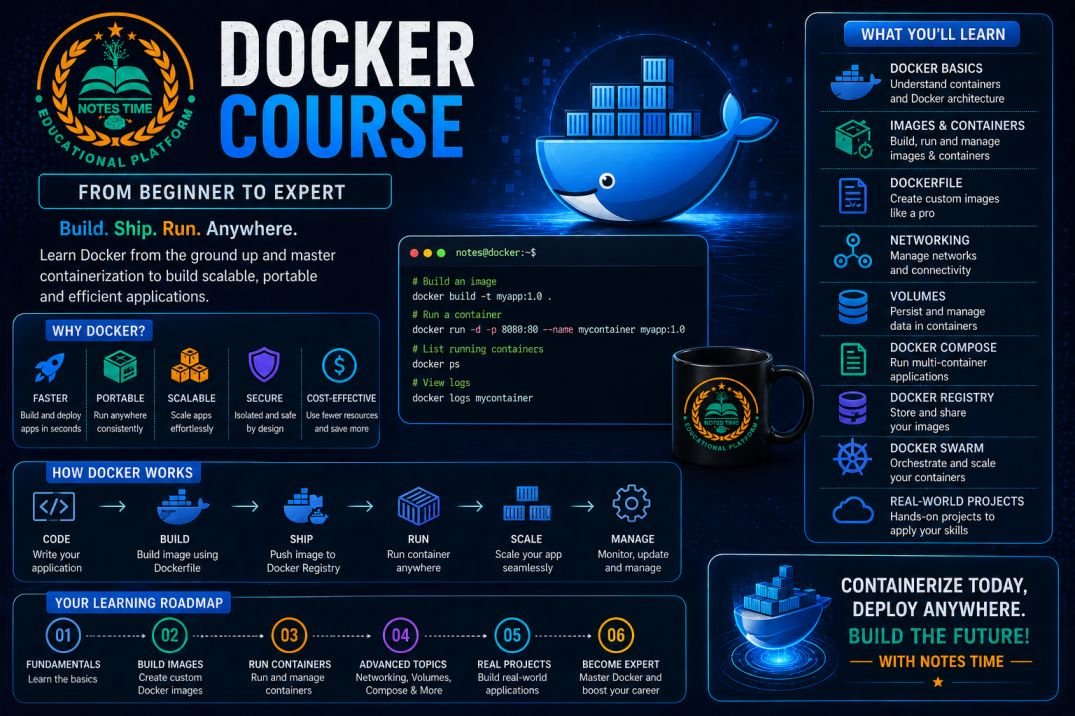
Docker & Containerization Course
Intermediate 25 hours
Docker & Containerization Course

Master Docker containers for modern application deployment

₹2,299.00 ₹2,999.00
View Course
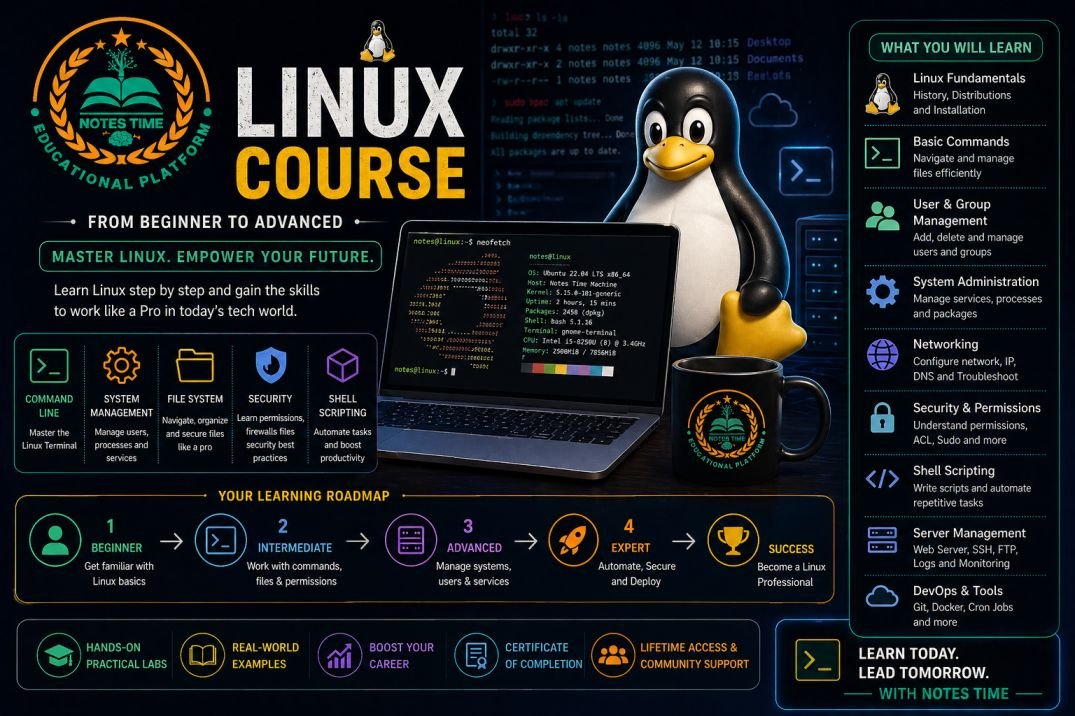
Linux Operating System Course
Beginner 30 hours
Linux Operating System Course

Master Linux commands, shell scripting, and system administration

₹1,899.00 ₹2,499.00
View Course
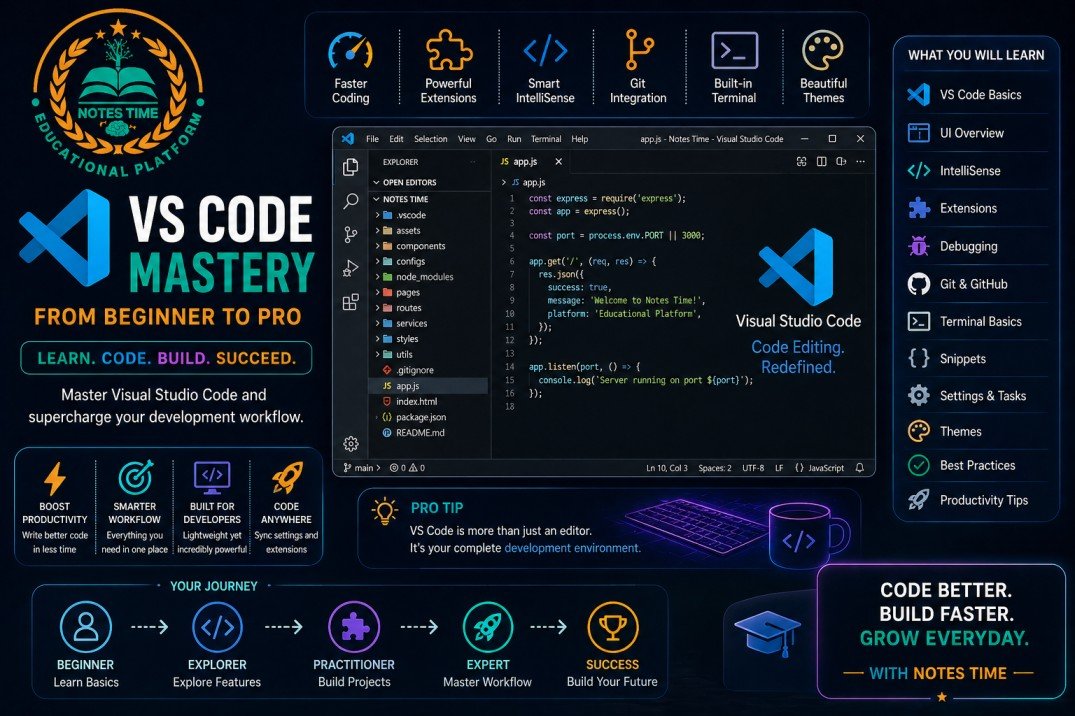
Visual Studio Code (VS Code) Mastery Course
Beginner 15 hours
Visual Studio Code (VS Code) Mastery Course

Master VS Code for productive coding and development

₹999.00 ₹1,499.00
View Course

Flexible Learning Options

Choose the mode that suits your lifestyle

Online Mode

Learn from anywhere in India or worldwide

  • Live interactive sessions
  • Recorded lectures available
  • 24/7 doubt support
  • Virtual Windows lab environment
  • Lifetime access to materials

Offline Mode (Patna, Bihar)

Classroom training at our Patna learning center

  • In-person instructor guidance
  • Hands-on practical sessions
  • Peer learning environment
  • Networking opportunities
  • Free Wi-Fi & computer access

Career Opportunities After This Course

Job roles you can target after Windows training

Windows Administrator

Average Salary: ₹3-7 LPA

System Administrator

Average Salary: ₹4-8 LPA

IT Support Specialist

Average Salary: ₹3-6 LPA

Cloud Administrator

Average Salary: ₹6-12 LPA

Essential PowerShell Commands You'll Master

Most commonly used PowerShell cmdlets

Basic PowerShell Cmdlets

  • Get-Process - List running processes
  • Get-Service - List services
  • Get-ChildItem - List files/directories
  • Set-Location - Change directory
  • Copy-Item - Copy files
  • Remove-Item - Delete files

Advanced PowerShell Cmdlets

  • Get-EventLog - View event logs
  • Get-WmiObject - WMI queries
  • Invoke-Command - Remote execution
  • Export-Csv - Export to CSV
  • Get-Help - Get command help
  • New-Object - Create .NET objects

Windows Industry Outlook

Why Windows skills are essential

1.4B+

Windows devices worldwide

90%

Enterprises use Windows

25%

Annual growth in Windows admin jobs

Microsoft Certifications We Prepare You For

Globally recognized Microsoft certifications

MD-100

Windows Client

MD-101

Modern Desktop Administrator

AZ-800/801

Windows Server Hybrid Administrator

Ready to Master Windows OS?

Join thousands of students who have launched their IT careers with Notes Time

Limited seats available for offline classes. Register early!

+