Welcome to Notes Time 👋

Notes Time is your trusted platform for free study notes, tutorials, and guides designed to make learning simple, clear, and effective.

Whether you’re exploring Full Stack Web Development, mastering Cyber Security, or diving into Digital Marketing — we’ve got you covered with easy-to-understand content and practical examples.

Learn smarter, grow faster, and upskill with Notes Time — your digital study companion for tech and career success.
Subscribe to our newsletter and get our newest updates right on your inbox.

Visual Studio Code (VS Code) Mastery Course

Master VS Code for productive coding and development

15 Hours 45 Lessons 6 Quizzes 4 Assignments Certificate Included
Beginner Level English
2 students enrolled

About the Visual Studio Code Mastery Course

Are you ready to become a VS Code power user? Notes Time offers the most comprehensive VS Code Course in Patna, Bihar with flexible learning options.

Our Visual Studio Code Mastery course is designed for developers who want to maximize their productivity with the world's most popular code editor. Whether you're a beginner or experienced developer, this course will equip you with the skills needed to leverage VS Code's full potential for faster and more efficient coding.

Why Choose Our VS Code Training?

  • Dual Learning Modes: Learn online from anywhere or attend offline classes at our Patna center
  • Industry-Ready Curriculum: 45+ lessons covering VS Code from basics to advanced features
  • Hands-On Labs: Real-world scenarios, extension development, and workflow optimization
  • Productivity Focused: Master keyboard shortcuts, snippets, and automation
  • Placement Assistance: Job support for students completing the course
Offline Classes Available at: Notes Time Learning Center, Patna, Bihar. Limited seats available for classroom training.

Course Fee

₹999.00 ₹1,499.00

(33% off - Limited Period)


Duration: 15 Hours

Lessons: 45+

Quizzes: 6

Assignments: 4

Certificate Included

Lifetime Access

Level: Beginner

Language: English

Enroll Now

30-day money-back guarantee

VS Code Features You'll Master

Unlock the full potential of VS Code

Extensions

5000+ extensions for any language

Integrated Terminal

Run commands without leaving editor

Git Integration

Built-in source control

Debugging

Powerful debugger for all languages

What You'll Learn

Master VS Code for maximum productivity

Keyboard Shortcuts

Master essential shortcuts for faster coding

Extension Management

Find, install, and configure extensions

Code Editing

IntelliSense, snippets, formatting, refactoring

Debugging Mastery

Breakpoints, watch variables, call stack

Git Integration

Commit, push, pull, resolve conflicts

Customization

Themes, settings, keybindings, snippets

Course Curriculum

45+ lessons across 6 comprehensive modules

  • What is Visual Studio Code? 15 min
  • Installing VS Code on Windows/Mac/Linux 20 min
  • VS Code Interface Overview 20 min
  • Command Palette & Quick Open 20 min
  • Settings & Configuration 25 min
  • User vs Workspace Settings 15 min
  • Lab: Setting Up VS Code Environment 30 min

  • Navigation Shortcuts 20 min
  • Editing Shortcuts 25 min
  • Multi-Cursor & Selection 20 min
  • Search & Replace Shortcuts 15 min
  • Terminal & Debug Shortcuts 20 min
  • Custom Keybindings 20 min
  • Lab: Speed Coding with Shortcuts 30 min

  • VS Code Extension Marketplace 15 min
  • Essential Extensions for Web Development 25 min
  • Essential Extensions for Python 20 min
  • Essential Extensions for JavaScript/TypeScript 20 min
  • Themes & Icons Customization 20 min
  • Creating Your Own Extension 30 min
  • Lab: Building a Custom Extension 40 min

  • IntelliSense & Code Completion 20 min
  • Snippets - Create and Use 25 min
  • Emmet for HTML/CSS 20 min
  • Refactoring Code 20 min
  • Formatting & Linting 20 min
  • File & Folder Management 15 min
  • Zen Mode & Distraction-Free Coding 15 min
  • Lab: Creating Custom Snippets 35 min

  • Setting Up Debugger 20 min
  • Breakpoints & Watch Variables 25 min
  • Call Stack & Debug Console 20 min
  • Debugging JavaScript/Node.js 25 min
  • Debugging Python 20 min
  • Git Integration & Source Control 25 min
  • GitLens Extension 20 min
  • Lab: Debugging Applications 35 min

  • Integrated Terminal 20 min
  • Running Multiple Terminals 15 min
  • Creating Tasks (Build, Test, Run) 25 min
  • Task Automation 20 min
  • Remote Development with SSH 25 min
  • Developing in WSL 20 min
  • GitHub Codespaces 20 min
  • Final Project: Complete VS Code Setup 45 min
  • Career Guidance & Productivity Tips 30 min

You May Also Like

Explore more courses to enhance your development skills

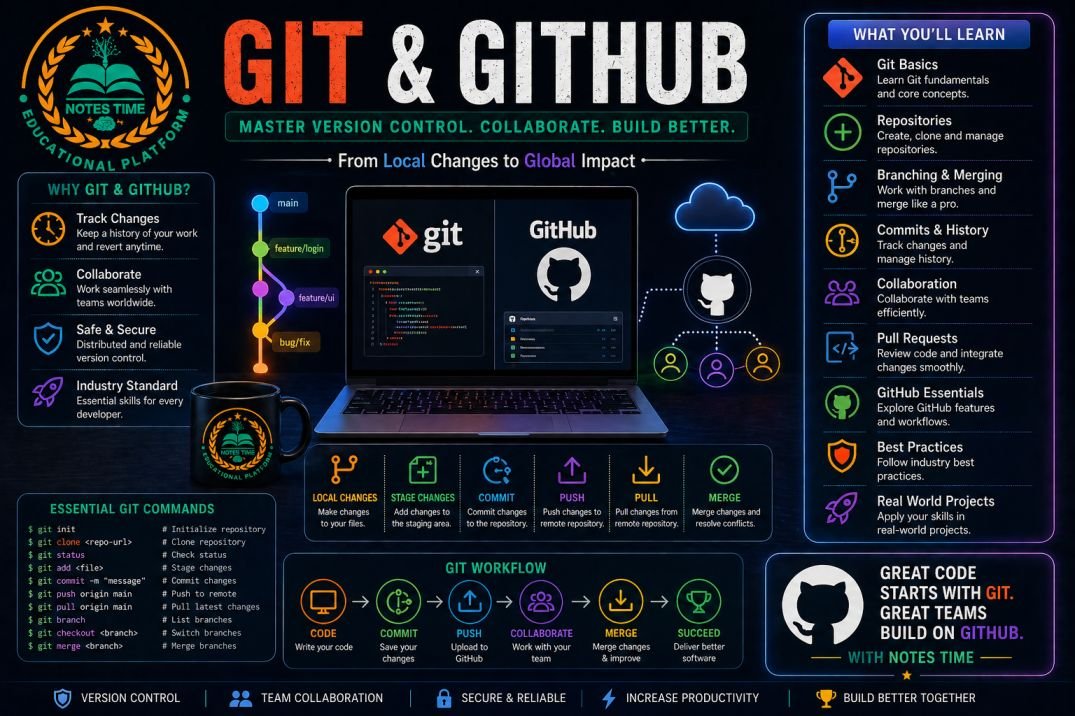
Git & GitHub Mastery Course
Beginner 20 hours
Git & GitHub Mastery Course

Master version control with Git and GitHub

₹1,499.00 ₹1,999.00
View Course
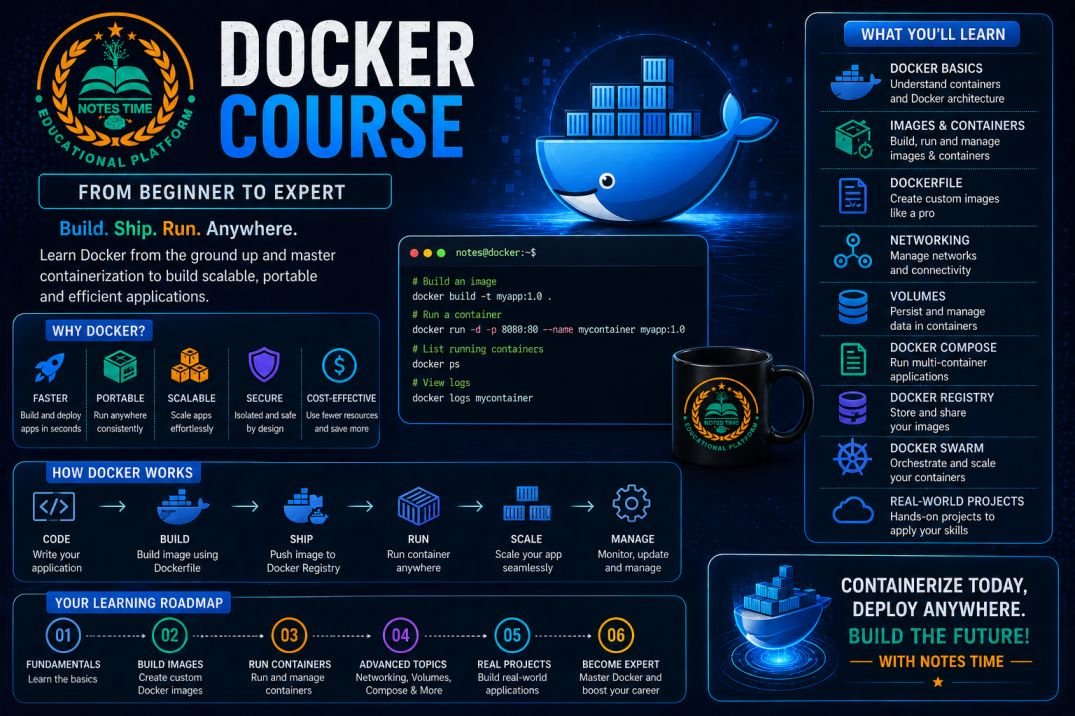
Docker & Containerization Course
Intermediate 25 hours
Docker & Containerization Course

Master Docker containers for modern application deployment

₹2,299.00 ₹2,999.00
View Course
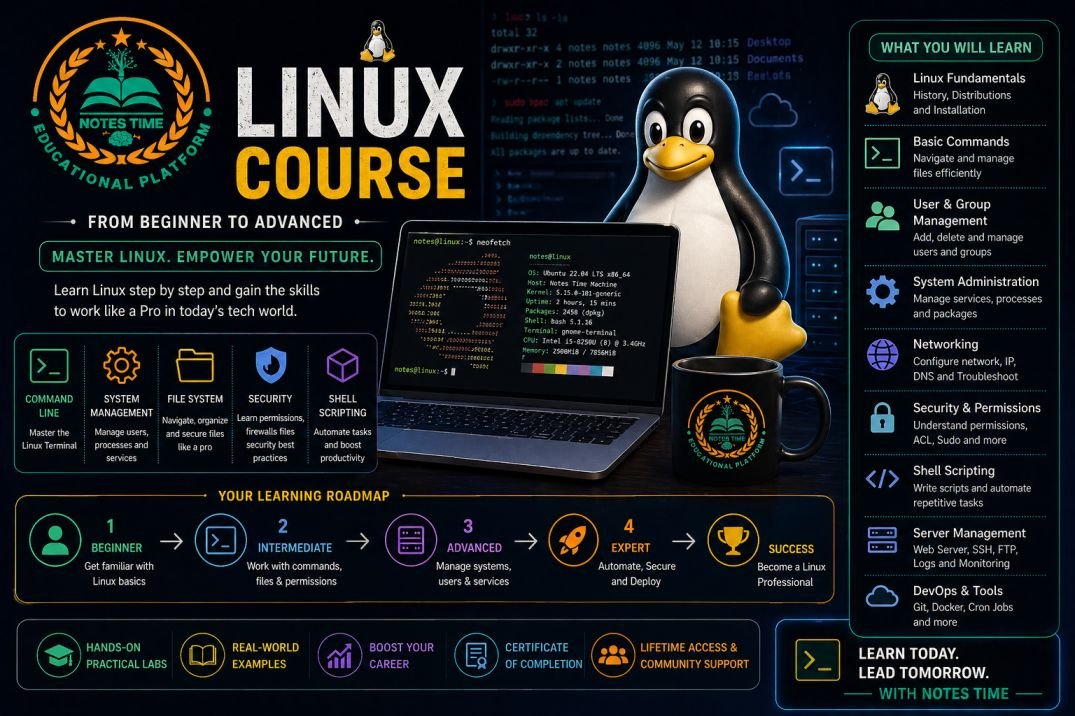
Linux Operating System Course
Beginner 30 hours
Linux Operating System Course

Master Linux commands, shell scripting, and system administration

₹1,899.00 ₹2,499.00
View Course
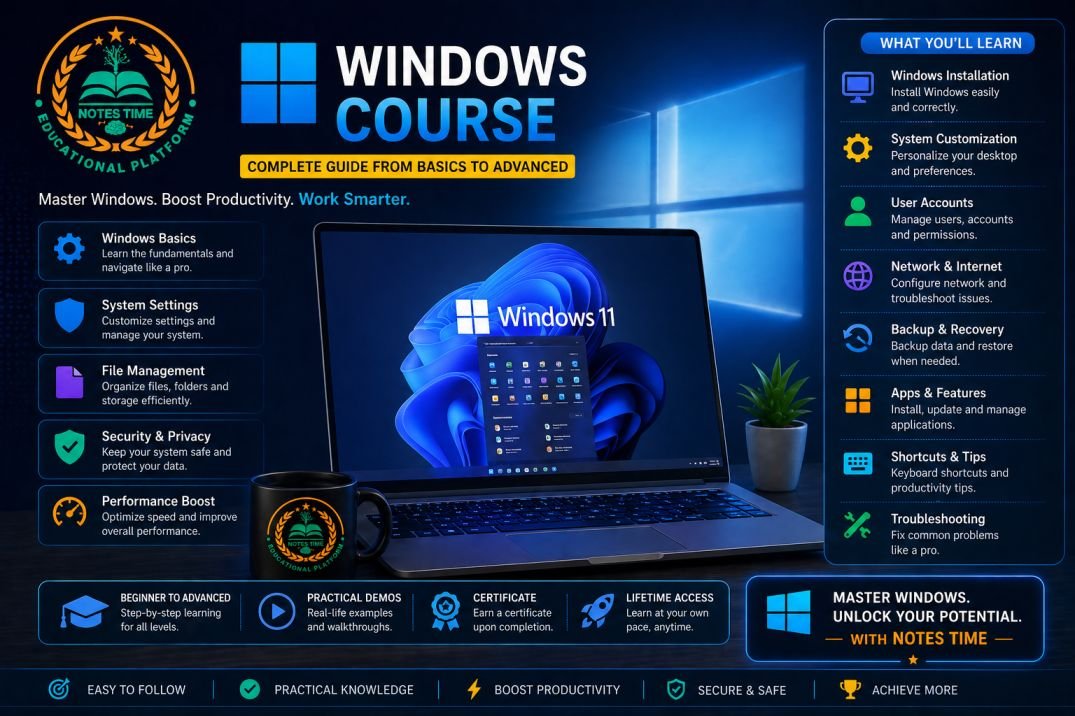
Windows Operating System Course for Developers
Beginner 20 hours
Windows Operating System Course for Developers

Master Windows OS for development and system administration

₹1,499.00 ₹1,999.00
View Course

Flexible Learning Options

Choose the mode that suits your lifestyle

Online Mode

Learn from anywhere in India or worldwide

  • Live interactive sessions
  • Recorded lectures available
  • 24/7 doubt support
  • Virtual lab environment
  • Lifetime access to materials

Offline Mode (Patna, Bihar)

Classroom training at our Patna learning center

  • In-person instructor guidance
  • Hands-on practical sessions
  • Peer learning environment
  • Networking opportunities
  • Free Wi-Fi & computer access

Essential VS Code Extensions You'll Master

Boost your productivity with these extensions

Prettier

Code Formatter

ESLint

JavaScript Linter

GitLens

Git Supercharged

Material Theme

Beautiful Theme

Live Server

Local Server

REST Client

API Testing

Thunder Client

API Client

Remote - SSH

Remote Dev

Career Benefits After This Course

How VS Code mastery boosts your career

50% Faster

Coding speed improvement

Better Debugging

Find bugs faster

Team Productivity

Collaborate efficiently

Salary Boost

20-30% higher pay

VS Code Industry Outlook

Why VS Code is the most popular editor

70%

Developers use VS Code

20M+

Monthly active users

30K+

Extensions available

Essential VS Code Keyboard Shortcuts

Master these shortcuts for maximum productivity

General Shortcuts

  • Ctrl + Shift + P - Command Palette
  • Ctrl + P - Quick Open
  • Ctrl + Shift + N - New Window
  • Ctrl + , - Settings
  • Ctrl + K Ctrl + S - Keyboard Shortcuts

Editing Shortcuts

  • Ctrl + D - Add Selection to Next Match
  • Alt + Click - Multi-Cursor
  • Ctrl + / - Toggle Line Comment
  • Shift + Alt + F - Format Document
  • Ctrl + Shift + L - Select All Occurrences

Ready to Master VS Code?

Join thousands of students who have boosted their productivity with Notes Time

Limited seats available for offline classes. Register early!

+